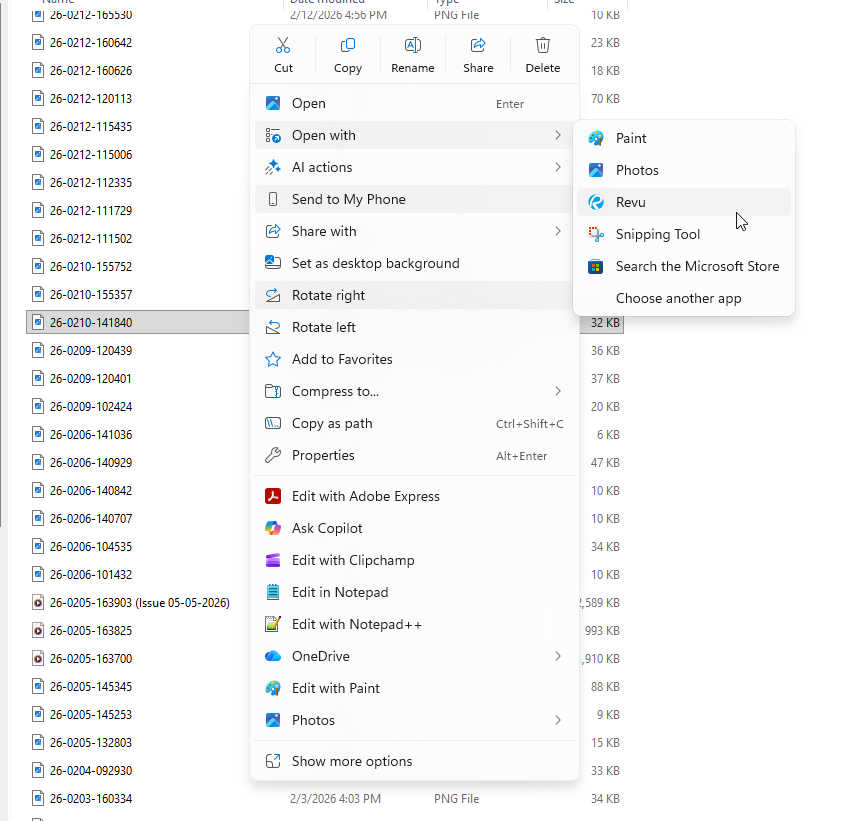
One of the only functions that I still miss after moving to Revu from Acrobat is the ability to create a new pdf document from an image on your clipboard.
I am not talking about adding an image to an existing pdf, that works ok.
My previous work flow with Adobe was: Win+Shift+S to open the snipping tool and create a screenshot that is automatically placed on your clipboard > open adobe and select create PDF from clipboard > markup and send as needed.
In Revu it is: Snipping tool>open the screenshot>save as> open revu>create pdf from file>navigate to file>markup and send as needed.
It is a subtle difference that makes sending a quick markup to explain something to a client or colleague more of a headache than it needs to be.
Thank you!