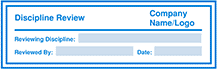
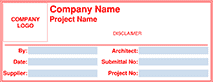
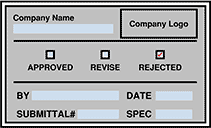
Installation instructions:
- Select the stamp you'd like to download. After clicking it, a compressed .zip folder automatically downloads.
- Open your Downloads folder.
- Select and hold (or right-click) the compressed .zip folder, select Extract All, accept the default settings, and select Extract.
- Launch Revu, select Tools > Stamp > Import Stamp, and open the unzipped folder with the applicable stamp name.
- The next time you select the Stamp tool, your imported stamp(s) will appear in the list.
On Windows, tool sets can be stored on a network drive so they're accessible to all users. See the Revu Enterprise Deployment Guide for details on setting up shared tool sets.
For more information about customizing and editing your interactive stamp(s), please visit this article.