Hi, brand new user here. Just sat through several hours of tutorials, and I'm trying to determine how useful Bluebeam will be for tracking my daily as-builts on a road project. I'm one of the first inspectors using Bluebeam here.
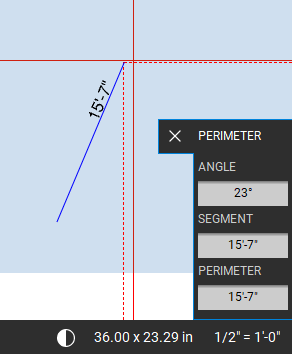
The problem I am having is using the Polyline Sketch-to-Scale. I cannot seem to edit a drawn length.
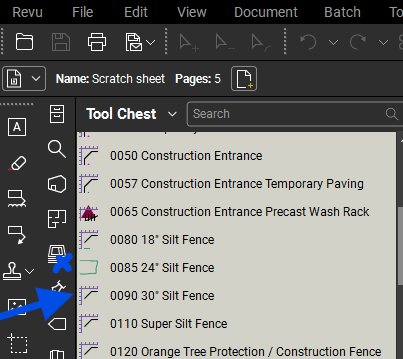
What I am TRYING to do is pre-populate my toolbox with sets such as Storm, sani etc. In each one, I want to pre-set multiple pipe templates (type, colour, size etc) in the toolbox. Once installation is complete, measure exact length in field. Select the correct pipe type from the toolbox, enter the measured length, and place it on the drawing appropriately.
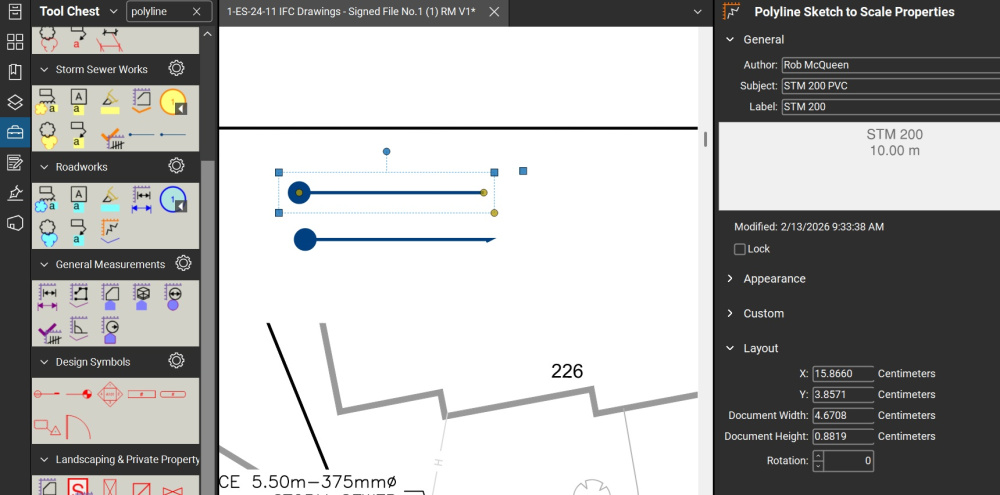
Opening the Properties of my dropped template segment, my only adjustment option seems to be in Layout : X, Y, Doc Width, Doc Height, Rotation. These are not to scale, but actual length of a line on paper.
So my toolbox template STM dia300 PVC 10 metre length segment can't easily be adjusted to a field-measured 62.5 metre installed run, without doing some complicated math.
Any ideas how to adjust this polyline to scale after drawing?