My color PDFs are showing as black and white. The mark ups are in color, but the original document is not. How do I get them to show as color?
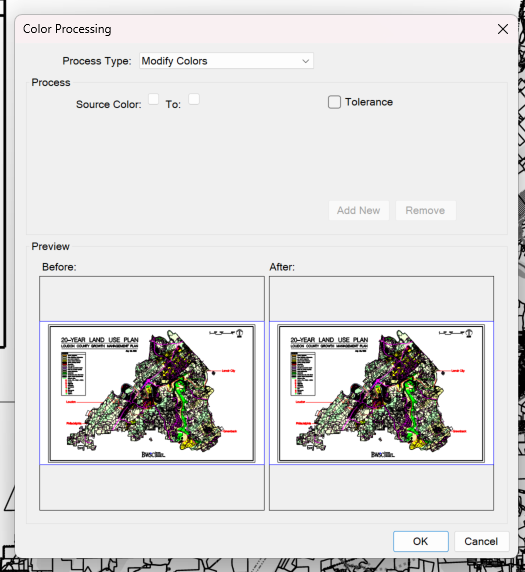
You can see from the screenshot of the color processing pop-up that the document is in color, yet something is displaying it as black and white (greyscale?). Kind of like when you use filters on markups to only show some on the markup list. All the others turn grey on screen.
Very curious about this one.
If you close it without saving, does it revert to color? When I was poking around with the sample file just now, it greyscaled a new color document I opened. I closed it and reopened it, and it was fine. Something I did in the sample affected the new document.
Look at this and see if that helps.
https://support.bluebeam.com/online-help/revu20/Content/RevuHelp/Menus/Document/Color-Processing/Color-Processing.htm It could be "Grayscale" or "Black and White".
I tried going there, but it did not give me an option to toggle on color. It just tries to process it. It shows the document is in color on the "before", but that is not the case. I even tried to do this processing, but it stayed black and white.
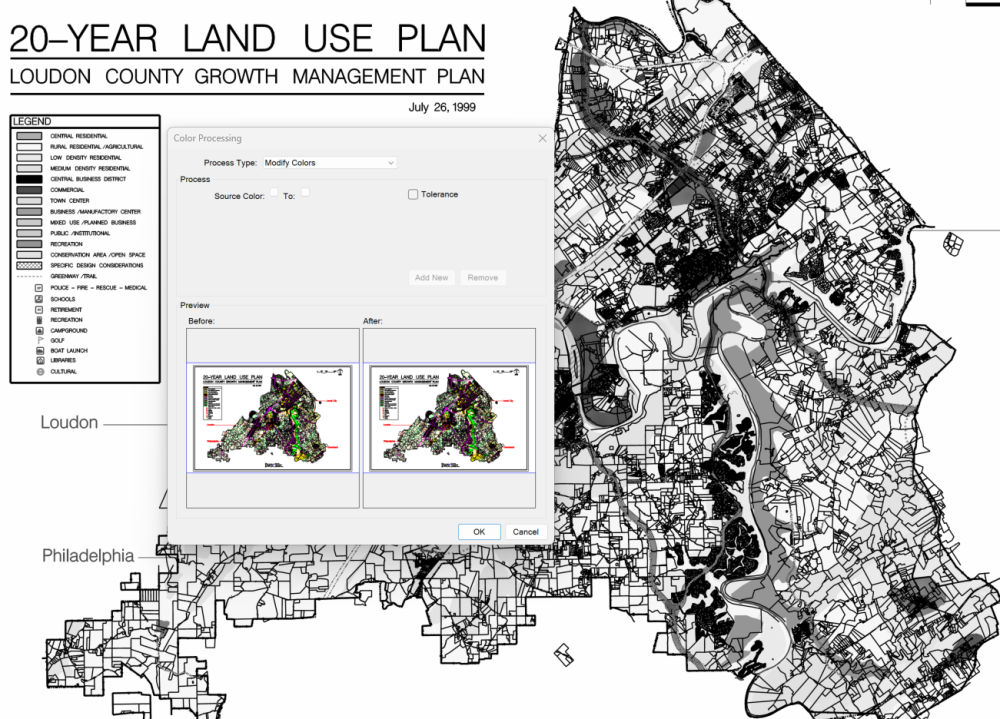
This may show it a little better.
was it created in colour?
If you view the original PDF in another program does it show color?
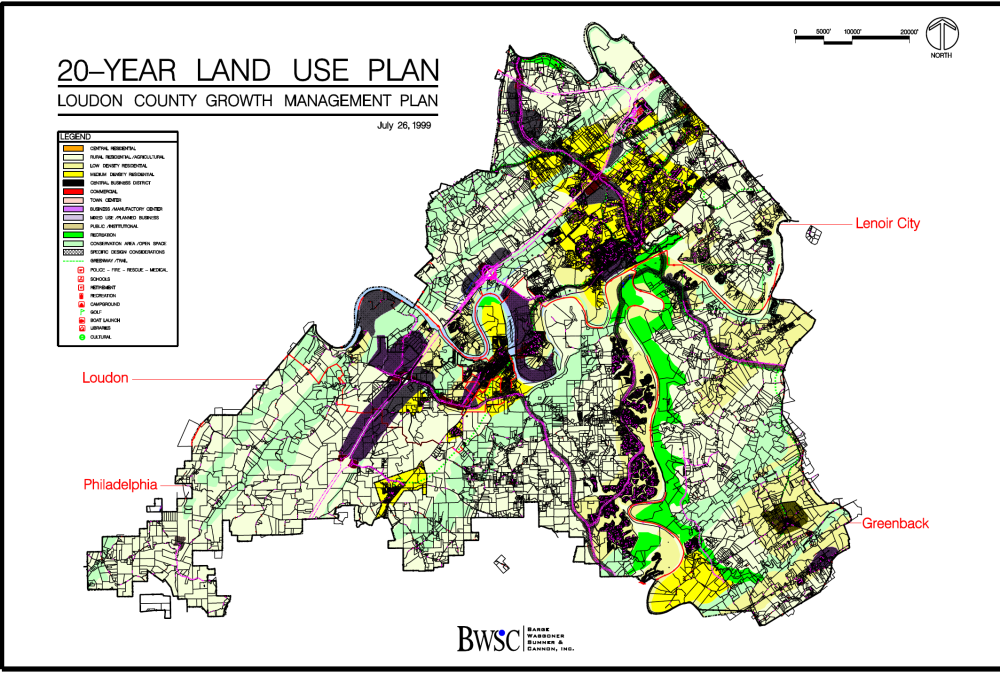
Yes. I pulled from a County planning commission on the website. It was originally in color when I opened it in Revu a couple months ago. It now shows black and white.
It is in color in Acrobat. Plus, when I originally opened it a few months back in Revu, it was in color.
Wow! That worked. Not sure why, because I had opened it, and others, several times. Thank you!!

I use it a lot and would like to have it open at all times for quicker access. Even a keyboard shortcut would be nice, if there is one, please let me know. Thanks in advance, -Wes s
We generate PDF draft reports that are reviewed and marked up with traditional clouds, highlights and text boxes. The reviewer compares marked up Draft #1 to the updated Draft #2. Normally, the reviewer would split the view and use synchronize views between the documents. Does Bluebeam Revu have a system where it checks…
I have a form and am trying to mail merge data into the form. Could you please advise how do I create a .dfd file with my data that I want to include in the mail merge
Cloud and Cloud+ color fills only are changing from 10% to solid. First noticed in a Studio session. When selected, the solid fill reads as 10% in toolbar and properties panel. If bumped up or down, it resets to 10%. The solid fills return after closing, leaving, logging out for all users. Comments exported and imported…
I would like to modify the 'Markups List / Export to .pdf' output appearance. Specifically: Increase the size of the .pdf screenshot graphic so that it takes up half or all of the page width. Reduce or eliminate the center column that lists the selected columns. Reduce or eliminate the column on the right that re-prints…
Not sure if this is a bug. We are Fire Risk Assessors so are often need to either colour in a wall or change the colour of a door on floor plans. We also have to draw lines to show the length of a certain route. Here's what I've noticed: 1 = The fill colour choices for a Polygon are not the same as the Change Colour…
I noticed that starting on 12/16 the invitation emails from BB for a Session no longer show the full Session title. They have always come in showing this example: You've been invited to Studio Session BP25-1257 Review 2 As of 12/16 the subject line is only showing this: You've been invited to a Studio Session Is everyone…
Can I set (within my preferences) the units to be meters ? When I calibrate for dimensions etc, it always assumes mm's and not m's. I would like my default to be m's
hi i am currently seacrhing for a compatible tablet/ipad for Bluebeam, preferably with a compatible pen. would anyone have any advice? Thanks