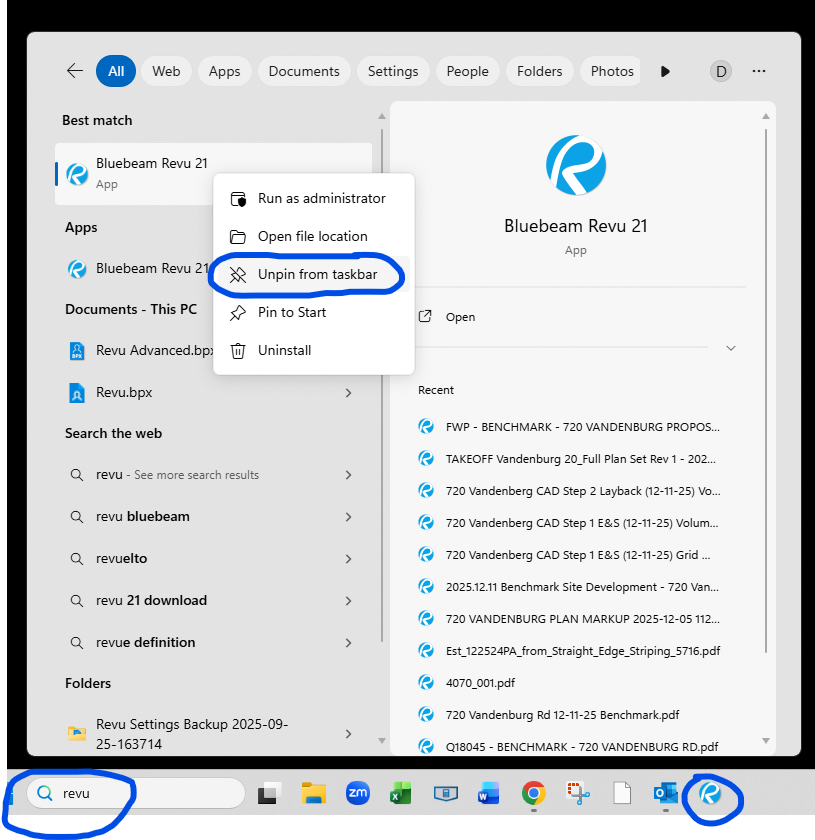
Just did the update this morning. Everything went well except I no longer have the Revu icon. It is just looks like a piece of paper with the right, top corner bent over. Is this the new icon or did something not load correctly?
Is there a way to add together measurements between multiple pages? Say I markup a ton of items as MTL-2 over many pages; is there a way to add them all together? Like the legend below but for all pages with MTL-2
I did not see this before but lately yes - when you click File/Email on any open file, the email window opening up will have the file attached but the actual file name will have [1] added to the name looking like ***[1].pdf while the subject line shows the original file name. How can I stop this so the file name does not…
I am needing to make comments/remarks on CAD-based file with a lot of layers and small symbols and when i try to select a group of my comments it grabs these - what appear to be random - cad-based linework that came with the original PDF. They have gray grips and i cannot edit those. I understand that I can turn the…
Previous to recent versions of revu, holding the control key while starting a measurement/markup or anything that would trigger object snap would temporarily disabled it. This is extremely useful when you generally want object snap on but not right at that second, usually because of a dense area where there are so many…
Is there currently an option to enable a new tab opening when clicking on a detail hyperlink? This would be great! Currently I just split the view and then click the link, but this seems more straightforward for new users.
I was tasked with creating custom symbols for my company and I' having some odd issues. After importing the toolboxes, some of the symbols are "missing" in the sense that they don't show up in the toolbox. If I hover over the location where it should be, all the pop-up info still shows. I can select the symbol and place it…
How do i change the icons when i select count measurement checked after completing visual search? it only has the default icons and not option to add from my toolbox.
Before BB Revue was reinstalled on my machine, I used to be able to do a command to super easily change the properties of the fill. Now I have to go into properties, or use the fill color icon on the Appearance toolbar. I have lost that command and don't know how to get it back.
Before BB Revue was reinstalled on my machine, I used to be able to fix text to the text box. I have lost that command and don't know how to get it back.